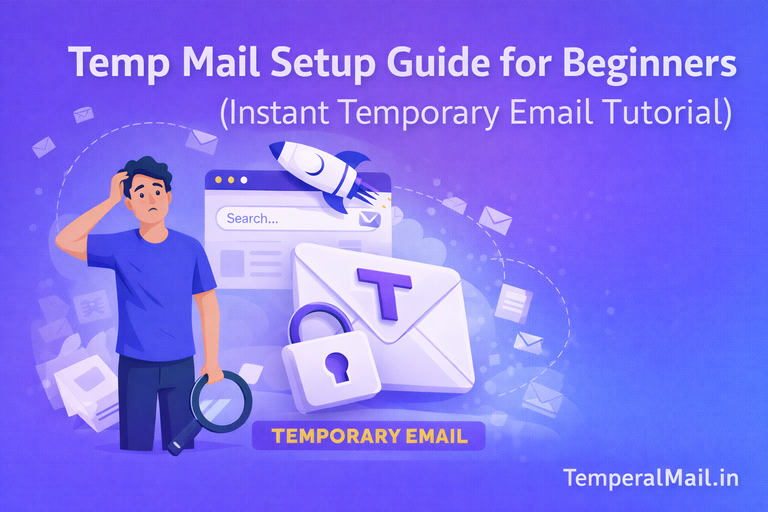
Temp Mail Setup Guide for Beginners
Temp Mail Setup Guide for Beginners
Temp mail services make it easy to create a temporary email address instantly without registration. If you are new to disposable email, this beginner-friendly guide will help you understand how to set up and use temp mail safely. With temporary email, you can avoid spam messages, protect your privacy, and create anonymous online accounts in seconds.
What is Temp Mail Setup?
Temp mail setup simply means opening a temporary email generator and creating a disposable email address. Unlike traditional email services, you don’t need to sign up or provide personal information. The email address appears automatically when you visit the website.
Why Beginners Should Use Temporary Email
- Instant access without registration.
- Helps avoid unwanted marketing emails.
- Protects your real email from spam.
- Useful for testing websites or free trials.
- Improves online privacy.
Step by Step Temp Mail Setup Guide
Step 1 – Visit a Trusted Temp Mail Website
Open a reliable temporary email generator like Temperal Mail. As soon as you load the page, a random email address will be generated automatically.
Step 2 – Copy the Generated Email Address
At the top of the screen, you will see your new disposable email address. Click the copy button and keep it ready for signup or verification.
Step 3 – Use Temp Mail for Registration
Paste the temporary email into any signup form. Many users use temp mail for social media accounts, online tools, or downloading free resources.
Step 4 – Wait for Incoming Messages
After submitting the form, return to your temporary inbox and wait for the message. Most services refresh automatically when new emails arrive.
Step 5 – Complete Verification
Open the message, copy the OTP code or click the verification link. Once finished, you can leave the email to expire automatically.
Beginner Tips for Using Temp Mail Safely
- Do not use temporary email for banking or sensitive accounts.
- Always use HTTPS secure websites.
- Refresh your inbox before closing the page.
- Use a new temp email for each signup.
Advantages of Instant Temporary Email
Temporary email services are fast and simple to use. You don’t need to remember passwords or manage multiple inboxes. With Temperal Mail, you can generate unlimited temporary email addresses for free.
- Unlimited disposable emails
- No registration required
- Instant inbox access
- Spam protection
- Anonymous usage
Common Problems Beginners Face
Some beginners close the tab too early or forget to copy the verification code. Make sure to keep the temporary inbox open until you receive the message.
Temp Mail Setup vs Regular Email Setup
Regular email services require registration, passwords, and personal details. Temp mail setup is instant and anonymous, making it ideal for short-term usage and testing.
Final Thoughts
Setting up temp mail is simple even for beginners. By following the steps above, you can create temporary email addresses quickly and safely. Disposable email helps protect your real inbox while giving you full control over your online privacy.
Frequently Asked Questions (FAQ)
Q1: Do I need to create an account to use temp mail?
No, most temporary email services work instantly without signup.
Q2: Can I reuse a temporary email address?
Usually no, because disposable emails expire automatically.
Q3: Is temp mail safe for beginners?
Yes, as long as you avoid using it for important personal accounts.
Q4: How fast does temp mail generate an email?
Most services create a new email address within seconds.
Related Guides: